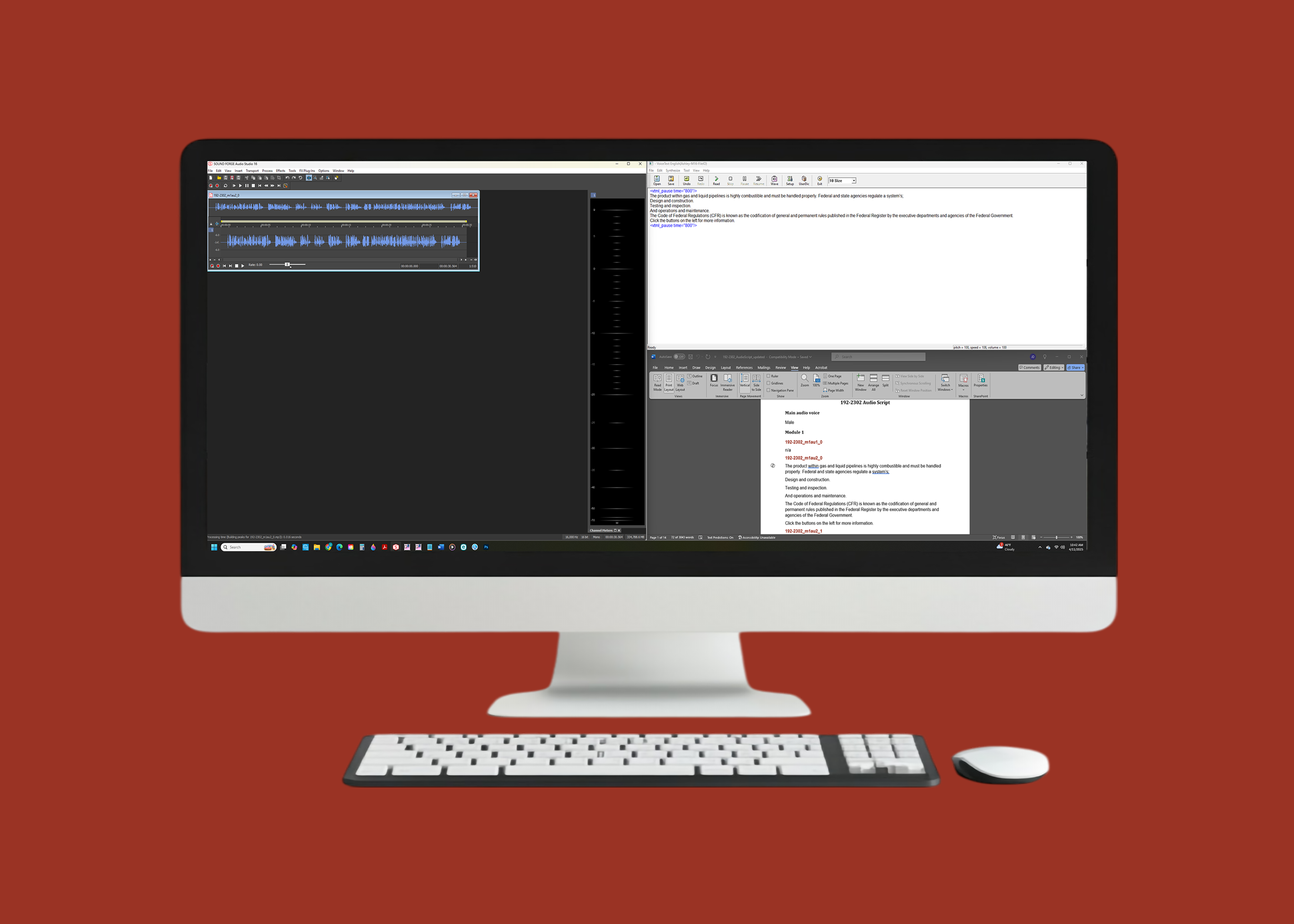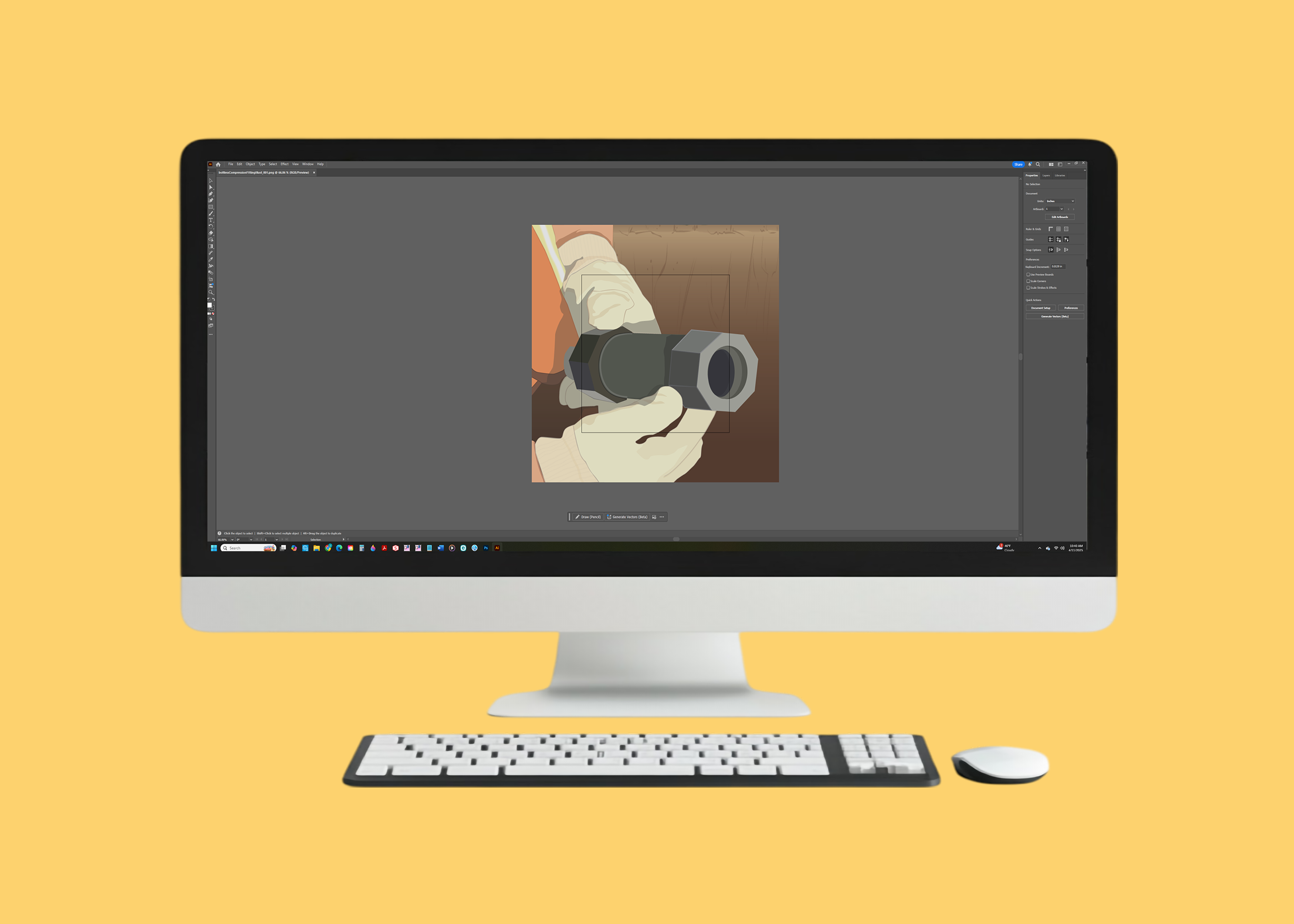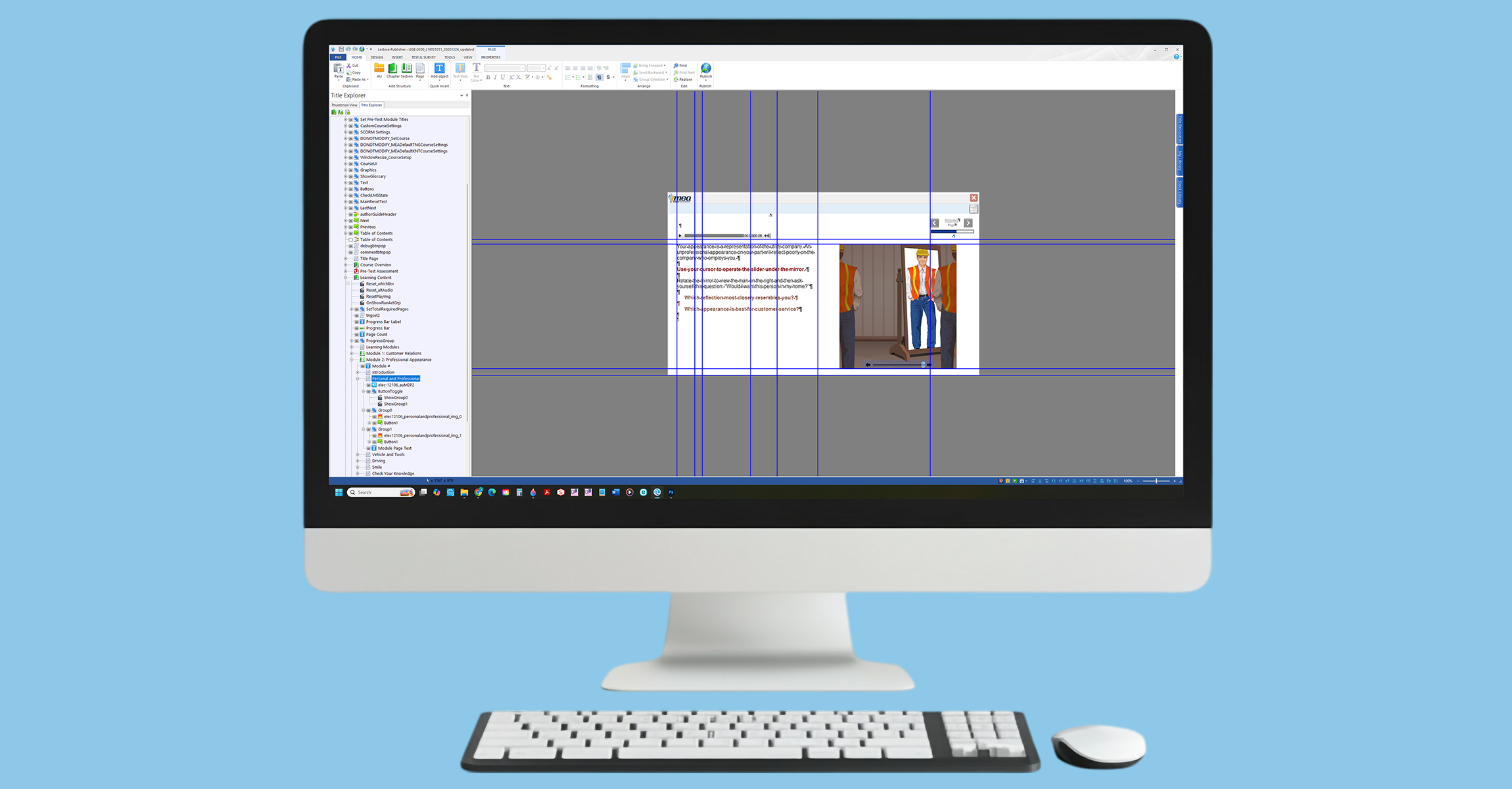
Redeveloping their content for e-learning modules. Create audio, graphic, video, and photo content, answer key review, change requests, content location, course maintenace, revised course, update LEL/UEL content, and CFR maintenance.
Answer Key Review
Review answer keys without content locations in 192, ASME, and ELEC libraries to add content locations (where found). During this process, also gather data regarding questions: without supporting content, with non-standard structure, and with negative phrasing. Confirm the AKReview findings are accurate. Make any updates needed and get approval for the final AK. Any course pages or questions affected by these updates must be logged in the QC notes.
Audio Creation
This PRJ results in the creation of updated audio files for a course. Note: this project was started under the old tracking system as the Audio Update project. When migrated into the new system, it became PRJ_AudioCreation and CURevised to fit the new project structure. Replace existing audio with updated audio.
Change Requests
All comments are reviewed and assigned a status. For any course update (CU) project, any outstanding approved comments will be addressed as part of the update. High priority comments may be assigned to the Maintenance project for rapid resolution. Check for approved comments pertaining to your course. Make whatever changes are necessary to address the issue, and be sure to get approval for any content changes that are more than cosmetic. Any course pages or questions affected by these updates must be logged in the QC notes if the course is only having a focused review (and not a full course QC).
Content Location
Add content location to answer keys.
CU Maintenance
Update courses based on priority (urgent and average) approved comments received from users and staff. Intended to quickly address critical issues only.
CU Revised Course
Update existing course. This is a more comprehensive update than the CUMaintenance project.
Glossary Update
Update glossaries in course, basically swap the current glossery file with the updated one.
LEL UEL Update
Change any content referencing an LEL-UEL range of 4.5-14.5 to 5.0-15.0. If your course mentions 4.5-14.5, update text and replace audio and graphics as needed. Any course pages or questions affected by these updates must be logged in the QC notes if the course is only having a focused review (and not a full course QC).
CFR Maintenance
This project is used to update CFRs that have been updated on eCFR.gov and assign and create project files for the CU project.
Gather CFR data from Lectora. On CFRMAuthorReview sheet complete columns I, J, then A using the Tools - Resources ribbon in Lectora. Set up for Primary Review. Filter CFRMAuthorReview Column Q for Review 1. Copy and paste data from columns with orange headers into ContentApproval doc section 1. Filter AuthorQCNotes sheet (orange tab) for Review 1. Complete Primary Review - Section 1 in ContentApproval doc. See embedded instructions. Remember to update CFRMAuthorReview sheet columns K, L, M, and O and AuthorQCNotes sheet (orange tab) columns I, J, and R for any changes made in Section 1. Gather Review 2 data. Follow instructions on the 3 light green tabs to gather info about additional content pages, KNT questions, and change requests. Set up for Review 2 – filter CFRMAuthorReview Column Q for Review 2. Copy and paste data from orange columns and into ContentApproval doc section 2. Filter AuthorQCNotes tab for Review 2. Complete Section 2 review in ContentApproval doc. See embedded instructions. Remember to update CFRMAuthorReview sheet columns K, L, M, and O and AuthorQCNotes sheet (orange tab) columns I, J, and R for any changes made in Section 2. Prepare AuthorQCNotes for Reference links only pages. Submit approval request. Monitor and update as required. PRJ is completed when ContentApproval has Completed-Approved status.
Produce Images
This project is used to make graphics to fill the needs of the course. We needed to find images that represented the content on the page and fix anything in the image that was not needed. If an image was not found we needed to create an image with a graphic that was make by us.
Convert Flash to GIFs
In this project we had to convert all our Flash that was used in the courses into a GIF, because flash was no longer going to be supported. We had to redo the Flash/Anime Files into the GIFs. This was a very large project and had a small window to finish.